
Can you transfer crypto from a hot wallet to a cold wallet
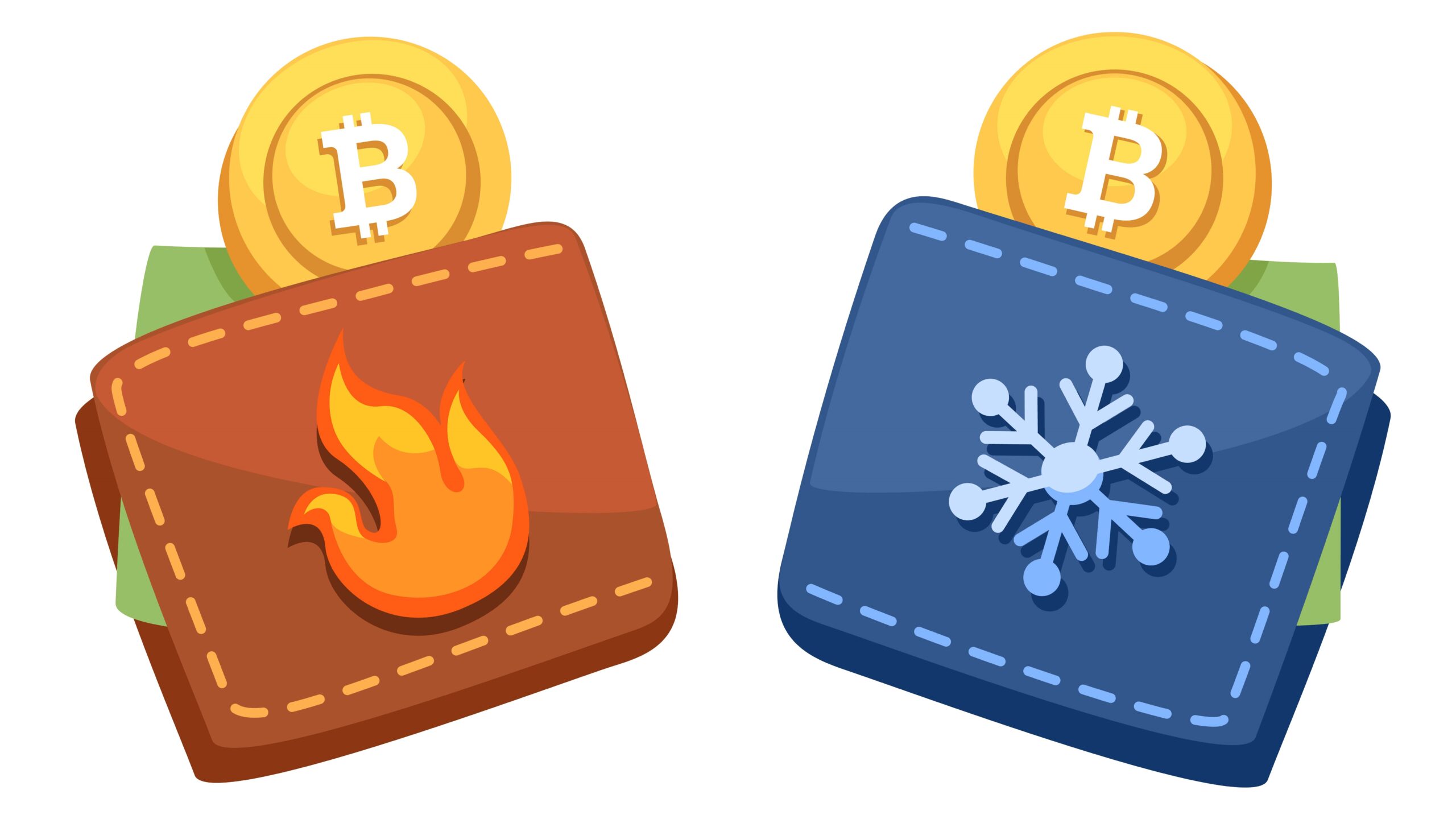
Before we get into the how, let’s talk about the what. When people talk about crypto wallets, they usually mean either hot wallets or cold wallets. Both do the same basic job: storing your private keys and keeping your digital assets accessible—but in very different ways.
What Is a Hot Wallet?
A hot wallet is a crypto wallet that stays connected to the internet. Because it’s always online, it’s easy to use for sending, receiving, and swapping crypto. This makes hot wallets popular for everyday transactions and active trading. Examples include MetaMask, Trust Wallet, and Coinbase Wallet on mobile or desktop, as well as exchange-based web wallets.
The trade-off is security. Since hot wallets are connected to the internet, they’re more exposed to phishing attacks, malware, and hacking attempts. Strong passwords, two-factor authentication, and safe browsing habits are essential when using one.
Hot wallets are best for holding smaller amounts of crypto you plan to move or trade frequently. For long-term storage or larger balances, most users choose a cold wallet instead.
What Is a Cold Wallet?
A cold wallet is a way of storing cryptocurrency completely offline. Because it isn’t connected to the internet, it’s far less vulnerable to hacking, malware, and phishing attacks. Cold wallets are generally used for long-term storage or for holding larger amounts of crypto that you don’t plan to move frequently.
- Hardware Wallets: Physical devices specifically designed to securely store private keys offline. They often come with built-in security features like PIN protection and encrypted storage. Examples include Ledger Nano X and Trezor, which allow users to safely sign transactions while keeping private keys isolated from internet-connected devices.
- Paper Wallets: A printed piece of paper that contains your public and private keys, often represented by QR codes for easy scanning during transactions. Paper wallets are a simple form of cold storage but require careful handling since physical damage, loss, or theft can mean permanent loss of funds.
- Air-Gapped Computers: Specialized computers or laptops that are never connected to the internet. These devices are used exclusively to generate and store private keys and to sign cryptocurrency transactions offline. After signing, the transaction data is transferred to an online device for broadcasting.
- Offline USB Drives or External Storage: Storing encrypted private keys or wallet backups on USB drives or external hard drives that are kept disconnected from any network. This method provides an extra layer of control over access but requires physical security to prevent theft or loss.
- Metal Wallets: Physical pieces of metal (like stainless steel plates) engraved with private keys or seed phrases. These are highly durable and resistant to water, fire, and physical damage, making them a reliable long-term storage method for critical backup information.
- Multisignature Cold Storage: A cold wallet setup that requires multiple private keys stored separately, often in different offline locations, to authorize a transaction. This significantly increases security because no single compromised key can lead to theft.
- Brain Wallets: A method where private keys or seed phrases are memorized rather than physically stored anywhere. While it avoids physical risks, it requires flawless memory and is vulnerable if someone else learns your secret phrase.
- Cold Storage Services: Some companies offer cold storage solutions by securely managing offline wallets on behalf of users or institutions. These services combine physical security measures and advanced cryptography to protect funds from cyberattacks.
So, Can You Transfer Crypto from a Hot Wallet to a Cold Wallet?
| Step | Description | Why It Matters | Common Tools/Methods | Potential Risks |
| Preparing the Cold Wallet | Set up your cold wallet (hardware device, paper wallet, or air-gapped computer) securely before transfer. | Ensures private keys are safely generated and stored offline. | Ledger Nano X, Trezor, Paper Wallet, Offline PC | Improper setup could expose keys to risks. |
| Initiating the Transfer | Use your hot wallet interface to send crypto assets to the public address of your cold wallet. | Moves funds from an internet-connected device to an offline storage. | Trust Wallet, MetaMask, Coinbase, Exodus | Mistyping address can lead to loss of funds. |
| Verifying the Transaction | Confirm the transaction on the blockchain via explorers or wallet notifications. | Ensures funds have been successfully transferred and recorded. | Etherscan, Blockchain.com Explorer | Fake confirmations or delays in transaction. |
| Securing the Cold Wallet | Store the cold wallet in a safe, secure place (safe deposit box, fireproof safe, etc.). | Protects physical device or paper wallet from theft, loss, or damage. | Physical safes, bank safety deposit boxes | Physical damage or loss without backups. |
| Managing Future Access | Plan how to access or move funds later using your cold wallet’s signing methods and security protocols. | Maintains long-term control while balancing convenience and security. | Hardware wallet software, air-gapped transaction signing | Misplaced keys or forgotten passphrases. |
Why You Should Transfer to a Cold Wallet
Keeping large amounts of crypto in a hot wallet is inherently risky. Because hot wallets are always online, they’re exposed to hacking, phishing attempts, and malware. The convenience is useful for daily transactions, but it comes with a higher security risk.
Transferring your crypto to a cold wallet reduces that risk by storing your private keys offline. With no internet connection, cold wallets are far less vulnerable to attacks. This makes cold storage a reliable option for long-term holders or anyone managing a significant balance.
Cold wallets also protect you from third-party failures. If you keep your crypto in a hot wallet tied to an exchange, you’re dependent on that platform’s security and stability. Exchange hacks, insolvency, or withdrawal freezes can result in losing access to your funds. When your assets are held in a cold wallet, you control the keys — not the platform.
Ultimately, cold storage provides stronger security and greater peace of mind. If you’re not actively trading your crypto, storing it offline is the safest way to ensure it remains protected over time.
How to Transfer Crypto from a Hot Wallet to a Cold Wallet (Step-by-Step)
- Start by setting up your cold wallet properly. If you’re using a hardware wallet, unbox it carefully and connect it to your computer or mobile device using USB or Bluetooth. Then, install the official software provided by the manufacturer, such as Ledger Live for Ledger devices or the Trezor Suite for Trezor wallets. Next, create a new wallet within the software, making sure to back up your seed phrase securely by writing it down on paper—never save it digitally on your phone or computer. Finally, set a strong PIN to protect access to your device.
- Once your cold wallet is ready, generate a receive address for the cryptocurrency you want to transfer. Open the wallet interface or device screen, select the specific crypto asset (for example, Bitcoin or Ethereum), and find the option to “Receive.” This will create a unique public address, similar to an email address, where you can send funds. Copy this address carefully or scan the QR code if available. This address is what you will use to direct your crypto from your hot wallet.
- Next, switch over to your hot wallet to initiate the transfer. Open your hot wallet application and select the same type of cryptocurrency you intend to send. Choose the option to “Send” or “Transfer.” Paste the cold wallet’s receive address into the recipient field. Enter the exact amount of crypto you want to move, whether it’s all or just a portion. It’s crucial to double-check the address at this point to avoid any costly mistakes—once sent, crypto transactions can’t be reversed.
- Finally, confirm the transaction from your hot wallet. After verifying all details, click the “Send” button. You might be prompted to enter your password or provide a two-factor authentication (2FA) code to authorize the transaction. After sending, wait patiently for the transaction to be confirmed on the blockchain, which could take anywhere from a few seconds to several minutes depending on network traffic. Once confirmed, your crypto will be safely stored in your cold wallet, protected from online threats and ready for long-term holding.
Visual Comparison: Hot vs. Cold Wallets
| Feature | Hot Wallet | Cold Wallet | Security Level | Convenience Level |
| Internet Access | Always connected to the internet, allowing instant transactions and easy access anytime. | Completely offline except when temporarily signing transactions, which greatly reduces exposure. | Higher risk due to constant online connection, making it more vulnerable to hacks and phishing. | Extremely convenient for quick trades and frequent use. |
| Security Risk | More susceptible to cyber attacks, malware, and unauthorized access because it’s online constantly. | Very low risk since it’s isolated from the internet; physical security becomes the main concern. | Risk level is significant and requires vigilance with passwords and two-factor authentication. | Less convenient because you need to connect the device or unlock physical access before use. |
| Convenience | Offers seamless, fast access to your funds, ideal for daily trading, payments, and quick transfers. | Best suited for long-term holding; accessing funds requires extra steps and time. | Security is traded off for convenience; fast but less safe for large holdings. | Lower convenience as transactions take longer due to extra security measures. |
| Use Case | Designed for active users who need constant access to crypto for trading, payments, or staking. | Ideal for storing large amounts of crypto securely for months or years without regular movement. | Hot wallets fit those who prioritize speed, cold wallets fit those prioritizing safety. | Hot wallets are preferred for frequent users, cold wallets for cautious investors. |
| Examples | Mobile wallets like MetaMask, Trust Wallet; desktop wallets such as Exodus, Electrum; web wallets like Coinbase and Blockchain.com. | Hardware wallets including Ledger Nano X, Trezor; paper wallets with printed keys; air-gapped offline computers dedicated to signing transactions. | Examples illustrate typical security differences between accessible and offline wallets. | Examples reflect how design matches the intended convenience and security use cases. |
Popular Cryptos You Can Transfer
Most major cryptocurrencies can be transferred from a hot wallet to a cold wallet. Bitcoin is one of the most common assets stored offline due to its long-term value and widespread support. Ethereum and other smart contract–based assets can also be stored in cold wallets, along with many well-known coins such as Solana, Litecoin, Dogecoin, Cardano, and Binance Coin.
Stablecoins like USDT (Tether), USDC, and DAI can also be kept in cold storage. This is useful for users who want to avoid price volatility while still maintaining full custody of their funds. As long as the cold wallet supports the blockchain network the stablecoin runs on, the storage process is the same as with any other token.
The key factor to consider is compatibility. Each wallet supports specific blockchains. For example, Bitcoin uses its own network, while Ethereum and most tokens run on the Ethereum or EVM-compatible networks. Sending a cryptocurrency to a wallet that does not support its blockchain can permanently result in lost funds. Always confirm that your cold wallet supports the asset and network before making the transfer.
In short, a wide range of cryptocurrencies can be stored offline, giving investors flexibility and stronger security. Whether you’re managing Bitcoin, Ethereum, stablecoins, or altcoins, cold storage protects your assets by keeping them offline and out of reach of online threats—just be sure to verify compatibility first.